Event management plan
A security deployment plan built section by section: scope, command structure, briefing, communications, access and search, crowd management, emergencies and more. Codewords and internal notes are never shared. Find out more →

From the event management plan to the last steward signed out: dot plans, deployment briefs, risk assessments, live counters and a control room, then a branded report for the client. All in one place, all joined up.
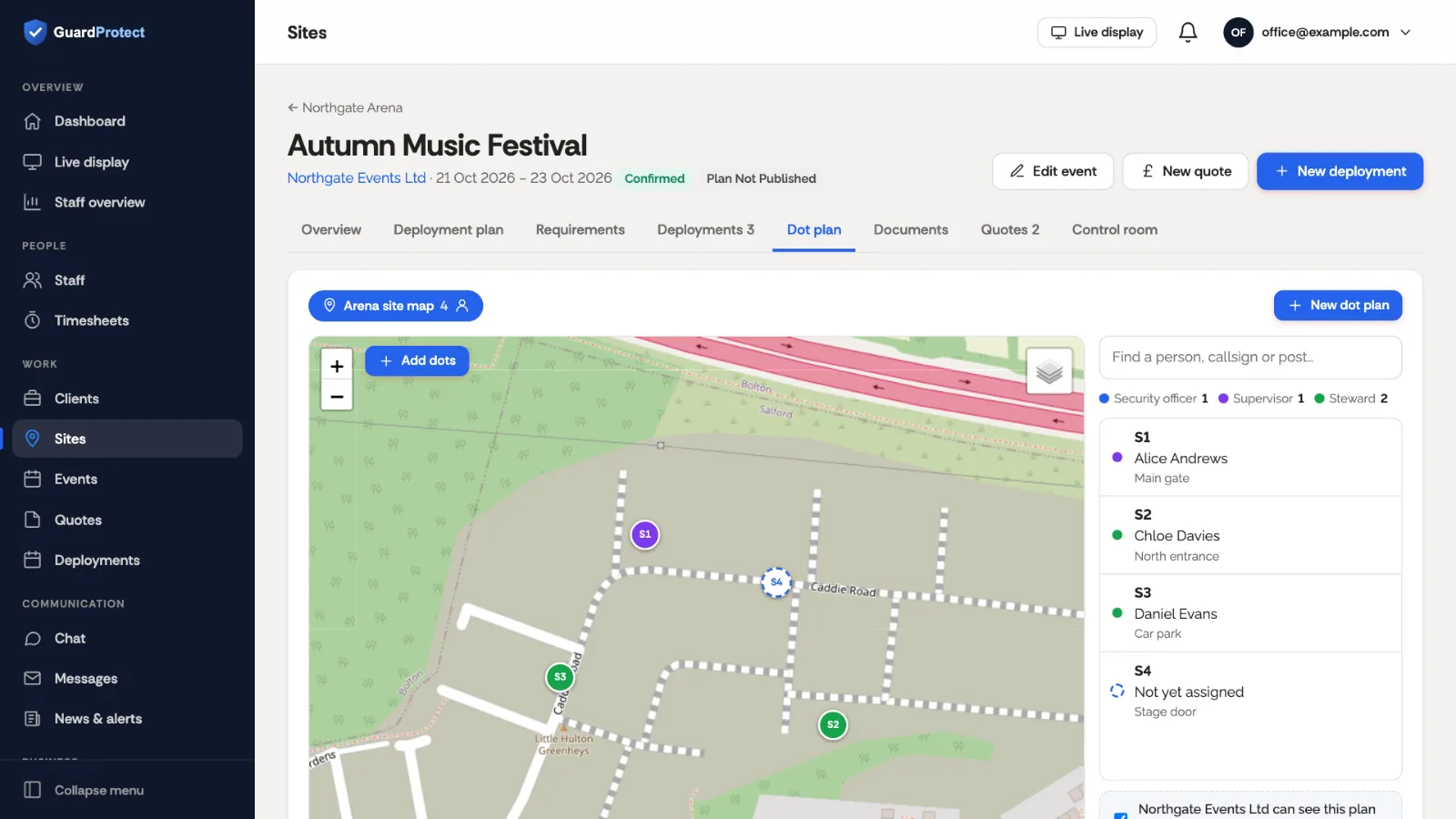
Each stage feeds the next, so the plan becomes the brief, the brief becomes the deployment, and the day becomes the report.
Event management plan, dot plans, risk assessment and the client’s requirements.
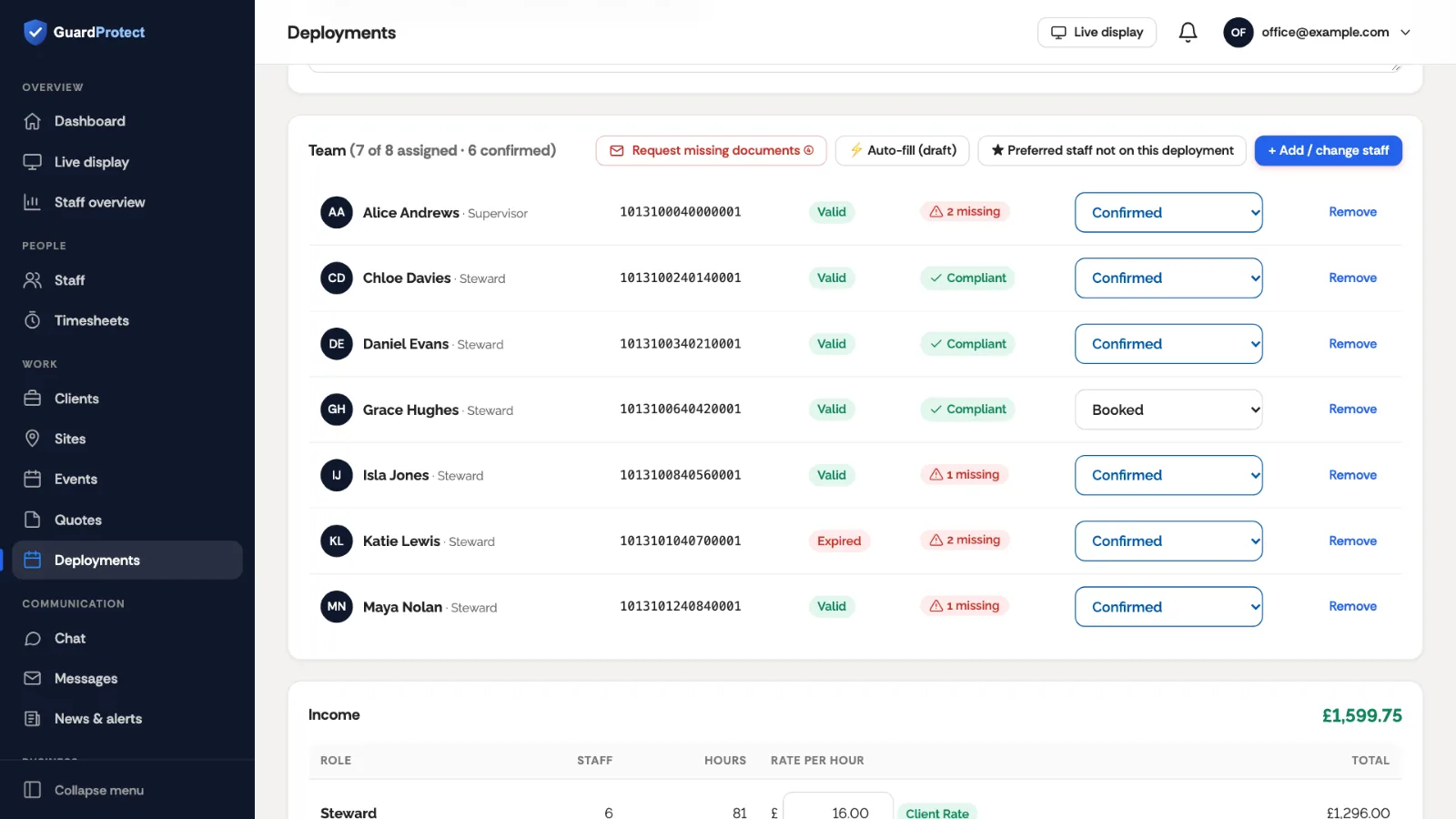
Roles and numbers, auto-filled teams, call signs and licence checks before the day.
The event on supervisors’ phones, clock-in at the gate, live counters, incidents and a control room.
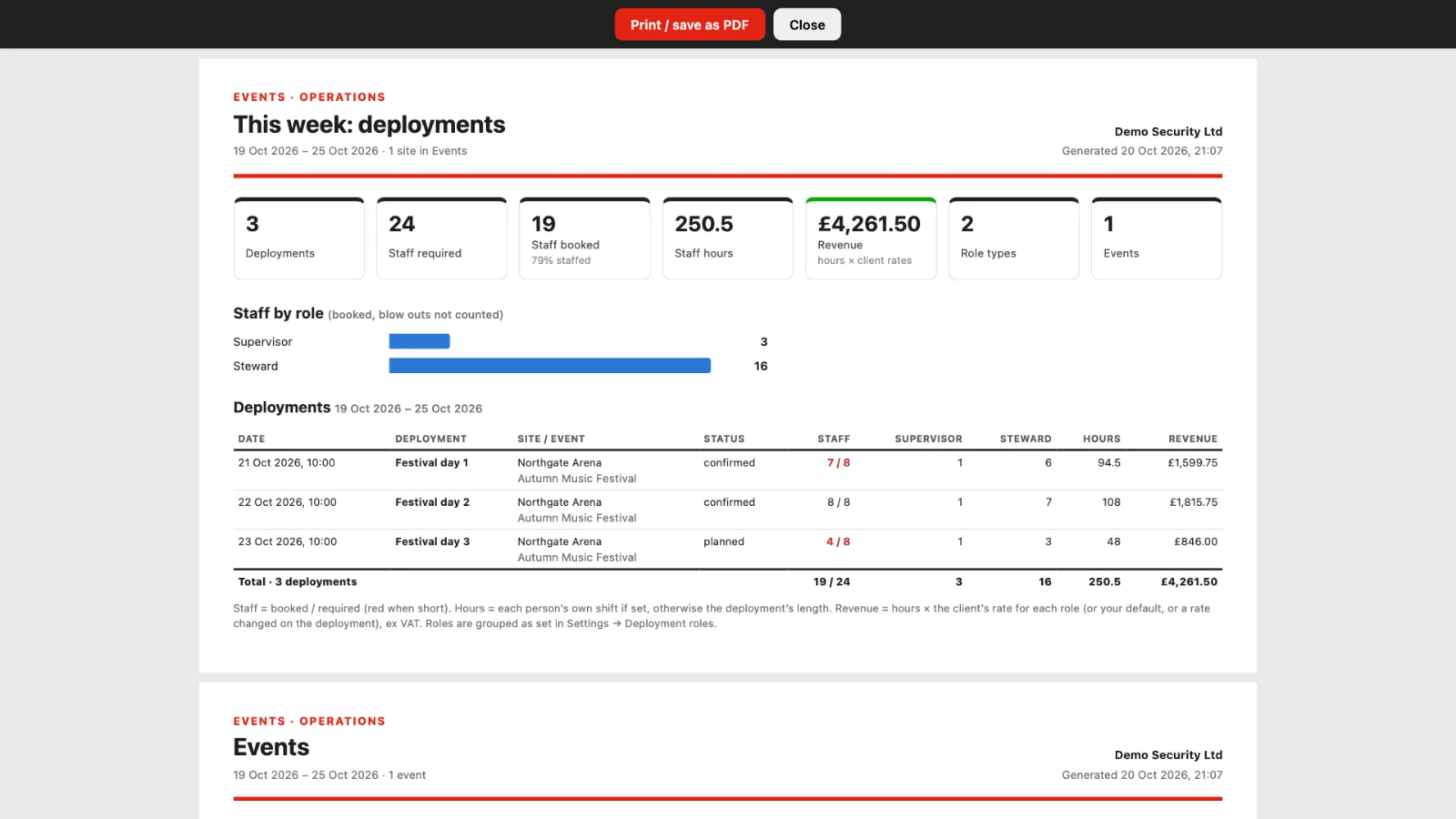
A branded event report with staffing, incidents, zone figures and debriefs.
A security deployment plan built section by section: scope, command structure, briefing, communications, access and search, crowd management, emergencies and more. Codewords and internal notes are never shared. Find out more →
Place every post on the site map or an uploaded floor plan, with who’s there, their role and callsign. Share it with the client or print it in the plan pack. Find out more →
Upload your event management plan and documents and the RAMS writer drafts the hazards, likelihood and severity, controls, method statement and PPE for you to check, edit and approve. Find out more →
The plan, dot plans and sign-in sheets in one client-ready document with their logo and yours on the cover.
What the client asked for, role by role and day by day, checked against what’s booked so nothing is missed.
For stadiums: pick the fixture and the kick-off, teams and competition are filled in for the match-day security brief and response matrix.
Set the roles and numbers for each day, then auto-fill from available staff: preferred team first, then the nearest. Everyone shows Compliant or exactly what’s missing, SIA, right to work or ACT, before they’re booked. Call signs and the response matrix print on one sheet.
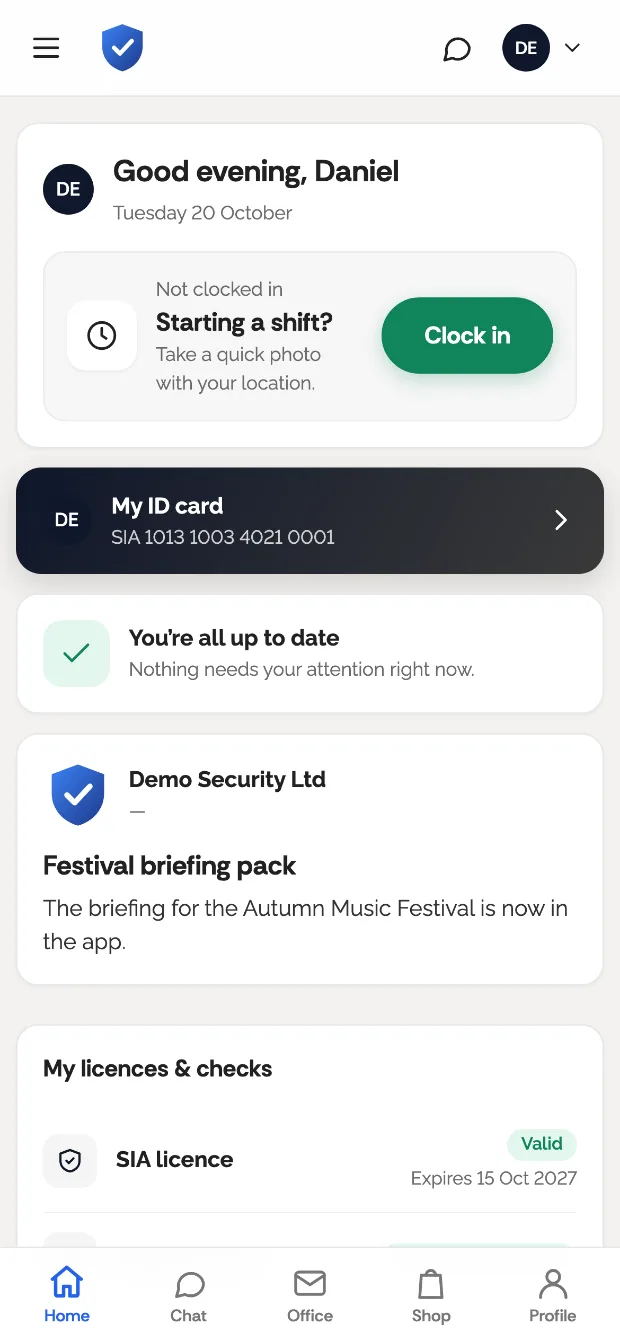
Supervisors open the event on their phone: the deployment plan, the match-day brief, every deployment and its team, the dot plan, and sign-in sheets to print. Staff see their shifts, clock in at the gate with a photo and their location, and supervisors log incidents as they happen. Briefs and plans also print in the client’s plan pack.
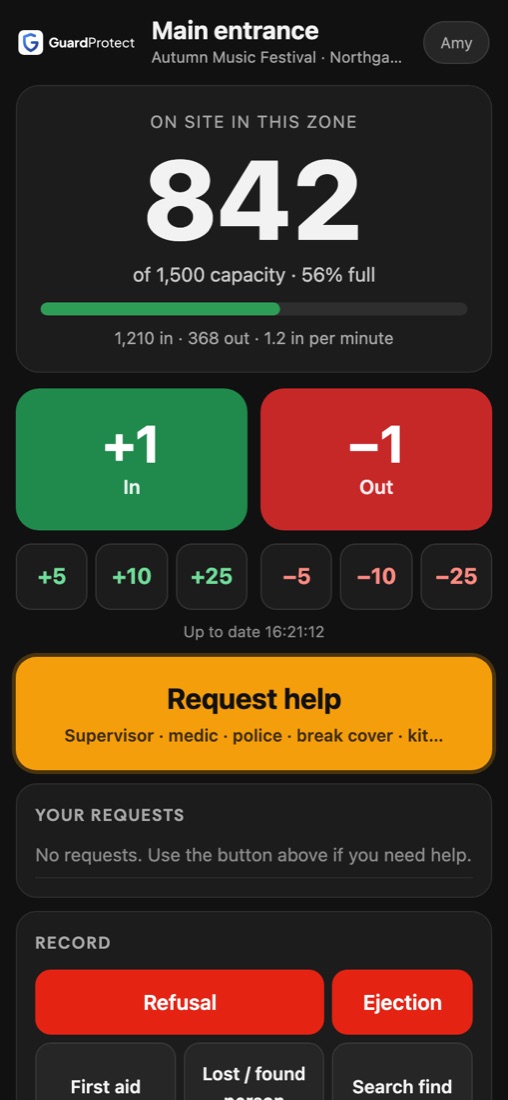
A QR code for each gate or zone. Stewards count people in and out on their phone, no login, and record refusals, ejections, first aid and finds. Capacity bars turn amber and red as zones fill. Find out more →
Jobs as tickets with caller, location and outcome, a positions board from the dot plans, staff on shift, help requests from stewards with an alert sound, weather and a wallboard view. Find out more →
Stewards ask for a supervisor, medic, police or break cover from the counter. Control assigns someone and the steward sees who’s coming. Find out more →
Supervisors log incidents, ejections and engagements in the app with photos, severity and location. High severity alerts the office straight away.
Doors open, event start, event end and curfew sit on the event and in the control room, so the whole team works to the same clock.
Who’s due, late, signed in and signed out, with blow outs and reasons recorded for the report.
One click builds a branded event report: staffing required, booked and attended, blow outs and reasons, KPIs and debriefs, incidents ordered by severity, the control room log, zone figures with footfall and throughput, and recommendations for next time. Print it, save it as a PDF or email it.
 Event security
A 12-page guide for security teams running events, and for their clients: planning and RAMS, staffing and compliance, the staff app on the day, the event control room and wallboard, zone counters, the reports afterwards, and what your client sees in their portal.
Set up your company in minutes, bring in your staff and plan your first event today. No card needed.